What an AI SEO Agent Actually Does (and Why It Beats a Dashboard Full of Reports)
An AI SEO agent is software that reads your site, plans a change, applies it at the edge, and measures the result in Search Console. Here is the loop, the safety controls, and a real before-and-after title rewrite.
What an AI SEO Agent Actually Does (and Why It Beats a Dashboard Full of Reports)
An AI SEO agent is software that reads your site, plans a change, applies it, and measures the result, then does it again next week. A traditional SEO tool stops one step earlier: it hands you a list of things to fix and leaves the work to you. The defining difference is not the AI, it is the loop. A dashboard watches your site; an agent acts on it.
That is why SEOEdgeAI describes itself as an AI SEO agent rather than an SEO tool. The product is a Cloudflare Worker that sits in front of your site, an edge proxy that rewrites what crawlers see, and a model that runs the read-plan-apply-measure loop on a schedule. The dashboard is a view onto the loop, not the point of the product.
Dashboard vs. agent: where the work actually lives
A dashboard tells you what is wrong. An agent fixes it. Concretely, the two behave like this:
| SEO dashboard | AI SEO agent | |
|---|---|---|
| Reads your pages | yes | yes |
| Spots missing titles, weak descriptions, no structured data | yes | yes |
| Suggests a fix | yes | yes |
| Writes the fix to the page | no | yes |
| Publishes new articles on the topics you should rank for | no | yes |
| Reads Search Console weeks later to see what worked | rarely | yes |
| Drops the change that did not work and doubles down on the one that did | no | yes |
The last two rows are the real difference. Most of the value of SEO is in the doing, and the doing compounds only when the results of last week’s doing feed into next week’s doing. A report file does not have a feedback loop. An agent does.
The read → plan → apply → measure cycle
Every agent run is the same four steps, in order, on a schedule:
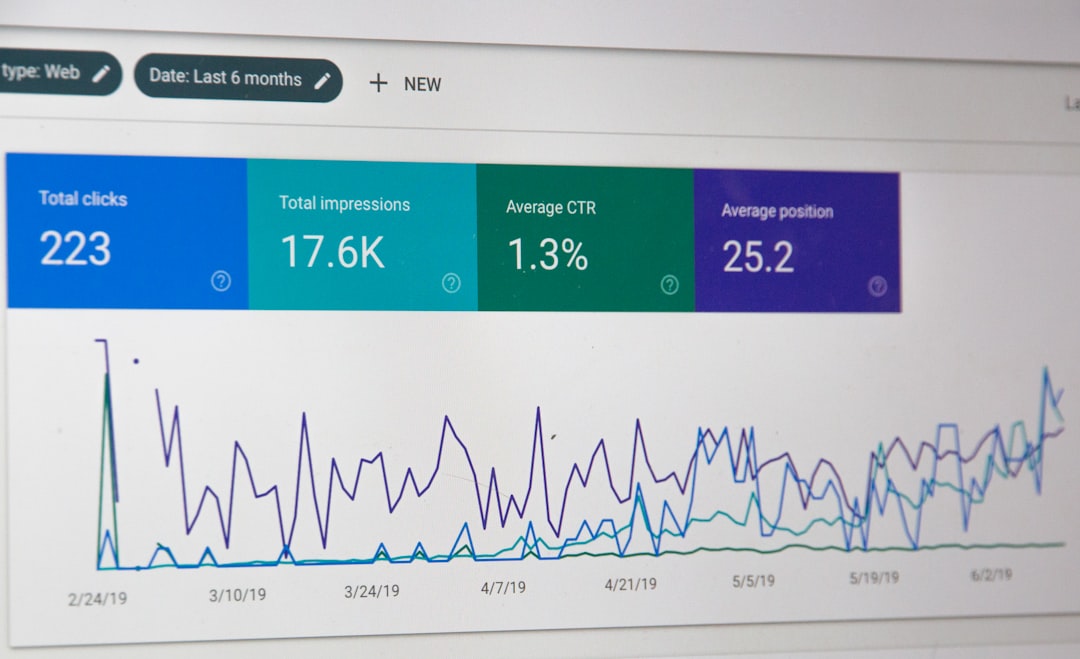
Read. The agent crawls every page on your site, pulls your Google Search Console performance for the last weeks (impressions, clicks, average CTR and average position, per page and per day), and reads the structured data it already injected. In SEOEdgeAI’s case the read also covers the page content itself, so the model knows what you sell and who the page is talking to.
Plan. From that data the agent picks which searches are worth winning for your business, and drafts a change list: new titles, new meta descriptions, new JSON-LD, and, on the editorial schedule you set, new blog posts and small tools.
Apply. The edge proxy injects the new title, meta description, response headers and JSON-LD into the page on the next request, live, without rewriting the source file on your origin server. Blog posts are served from a path you configure (for example /blog) on your own domain. The plan is shipped.
Measure. A few weeks later the agent reads the same Search Console numbers for the same pages. It keeps what moved clicks or average position, reverts or rewrites what did not, and the loop starts again.
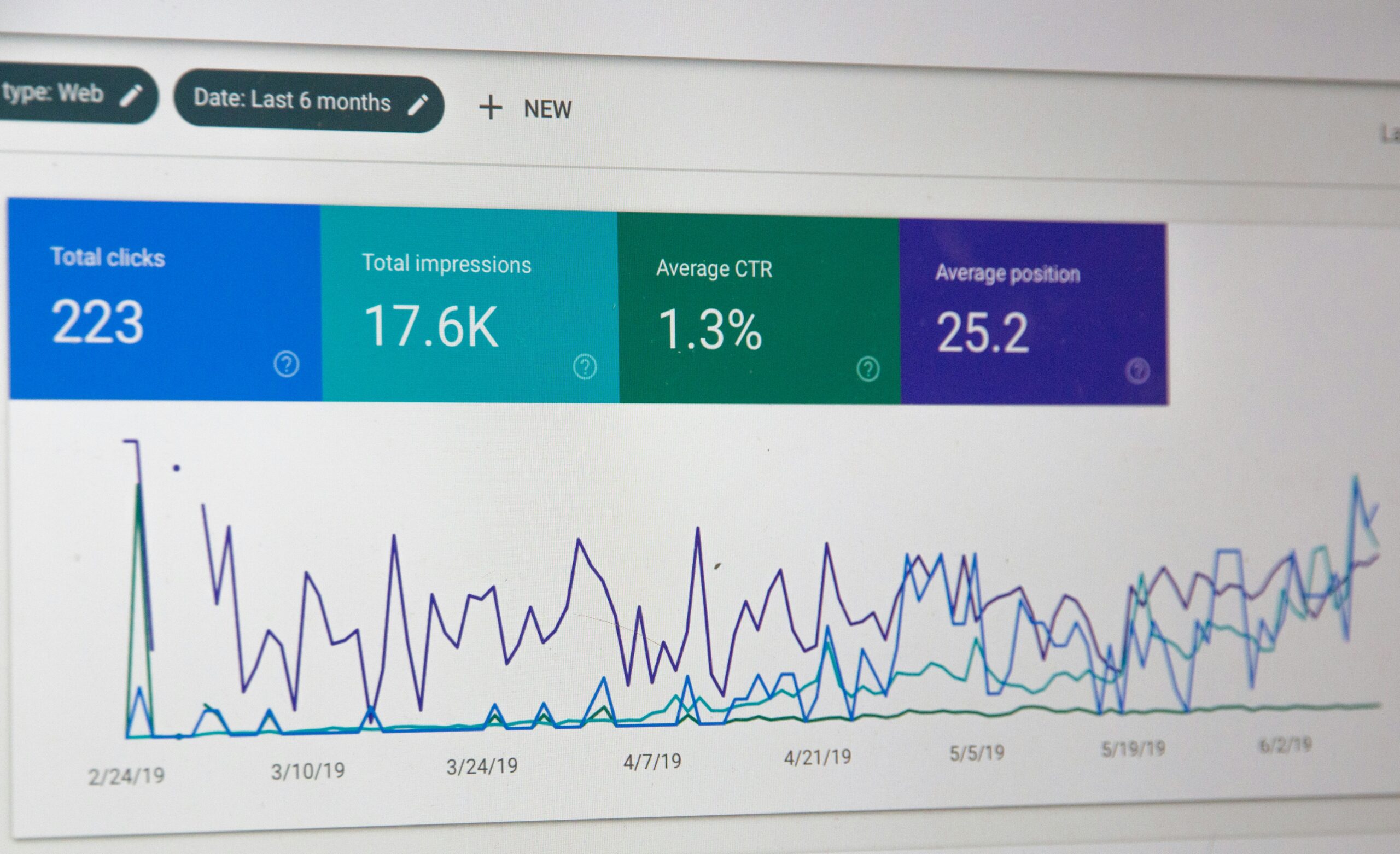
The reason Search Console is the feedback loop and not, say, an internal rank tracker, is that Search Console is the only source that reflects what real Google users actually saw. The agent needs that signal, which is why the only Google scope SEOEdgeAI requests is the read-only webmasters.readonly permission. It cannot submit URLs, request indexing, or remove anything in your Search Console; the privacy policy is explicit about that.
What an AI SEO agent can safely change
The classes of change an agent can make without ever touching your codebase or your origin server:
<title>and meta description. The two single biggest levers for click-through rate from search. Cheap to test, easy to roll back, immediate effect.- JSON-LD structured data.
Article,Product,FAQPage,Organization,BreadcrumbList, anything Google’s rich results understand. Added only where it is missing; anything you already publish is left alone. - Open Graph and Twitter Card tags. So a link pasted into X, LinkedIn, Slack or WhatsApp renders with a real title, description and image.
llms.txt. A machine-readable index of your site, kept current, so AI answer engines (ChatGPT, Perplexity, Claude) can find and cite your pages correctly.- New blog posts and small tools (“mini-apps”). Calculators, converters, comparison pages, published under a path you choose, written on the topics your buyers actually search.
- Internal links between your own pages. When the agent sees two pages that should reference each other, it can add the link.
What an agent should not touch
The list of things a competent agent leaves alone is as important as the list of things it changes. The SEOEdgeAI architecture is built around this:
- Your source code, your CMS, your origin server. The Cloudflare Worker sits in front of your site and forwards to an edge proxy, which fetches your real page and injects the rewritten meta at response time. Your repo is never edited, your server is never restarted, your database is never touched.
- The visible content of your existing pages. Only the hidden part of the page (the head, the JSON-LD, the headers) is rewritten. The body your visitors read is yours.
- Your Search Console. The agent has read-only access. It cannot submit URLs, ask for re-indexing, or remove anything.
- Anything you turned off. Each class of change is a permission switch in the dashboard. Flip a switch, and the underlying tool stops being used, not just stopped from being suggested.
“Can I trust an AI with my SEO?”
The honest answer has three parts.
You can review before it goes live. The default is “approve mode”: the agent drafts the change, you see it in the dashboard, you click yes. The other mode is full autopilot, and you can switch per feature. Both modes exist, the choice is yours, and the permissions are per category.
The site is safe if the agent is not. The whole stack is designed to fail open. If the SEOEdgeAI proxy ever errors or times out, the Cloudflare Worker sends the request straight to your origin instead. Your visitors never see a broken page, and your search rankings do not depend on the agent’s uptime. The Cloudflare Worker pattern is the same one used for any edge middleware: when the layer in front fails, traffic falls through.
The blast radius is small. Each individual change is a title, a meta description, or a JSON-LD block. None of those is a long-term commitment; the agent can rewrite them again next week if they do not work. You are not betting the company on one decision, you are running many small bets and reading the result.
A real before-and-after: title rewrites that moved the click
The clearest example is one SEOEdgeAI uses on its own homepage. Out of the box, a Cloudflare site that has not been touched for SEO usually has something like this in the search result:
Home | yourwebsite
yourwebsite.com
No description, no pitch, no reason to click. The agent’s rewrite produces a result that looks like a real search result:
Edge SEO for Cloudflare sites: set up in 2 seconds
Connect Cloudflare and an AI agent rewrites your pages, publishes articles and tracks what ranks. Free to start, no code. yourwebsite.com
What changes the click-through rate is not the wording alone, it is the combination: a title that reads as a benefit, a description that previews the answer, a real URL. The agent reads Search Console CTR for that page a few weeks later, sees whether the rewrite moved the needle, and either keeps it, varies it, or reverts it. The page itself is unchanged; the search snippet is.
Where this fits: agents are doing real work in other domains too
An SEO agent is one instance of a more general pattern: an AI that takes a domain (search rankings, a careers page, a Discord server) and runs the read-plan-apply-measure loop on it instead of handing a human a report. InsightMoves runs that loop over competitor careers pages, crawling them daily, diffing the postings, and turning the hiring signal into a market read. Interaction Bot runs a similar loop inside Discord communities, where the “search result” is a member question and the “rewrite” is an answer. The category is the same: the agent does the work, the dashboard is the audit trail.
What you still control
A short list, because the answer is short:
- Approval mode. Approve every change, or let the agent run on full autopilot, per feature, any time.
- Permissions. Each class of change is a switch. Turn a switch off and the tool stops being used.
- Origin and content. Your codebase, your CMS, your body copy. The agent only writes the hidden part of the page.
- The Search Console token. Decline it during sign-in, or revoke it from your Google Account’s “Third-party apps & services” page at any time; the rest of the product still works.
- Disconnect. Removing a site from the dashboard deletes the Worker, the configuration, and the data with it.
If you want to see the loop run on your own data, the free plan connects one site, gives the agent a few weeks to read and plan, and the work starts showing up in the dashboard before any paid plan is in play.
A short walkthrough that walks through the read-plan-apply-measure loop on a real site, by Relevance AI:
Published by seoedgeai.com.
Visit seoedgeai.comMade with AI.